TikTok PFP Viewer

Enter a public username or profile URL to load the current avatar with the TikTok PFP viewer. This TikTok profile picture viewer shows the largest profile image TokToolset can retrieve, helps you confirm the right account, and provides a direct download. Sign in and use available credits to run the lookup; a recent cached result may avoid another credit charge.

View a TikTok PFP

How to Use a TikTok PFP Viewer in Three Simple Steps

The TikTok PFP viewer turns a small in-app avatar into a clear, practical view. Start with a username or link, let TokToolset resolve the public account, open the image, and save it when needed. This TikTok profile picture viewer is useful when you want a closer look before downloading.

1. Enter a public username or profile link

Paste the full profile URL or type the handle without extra text. A precise input helps the TikTok PFP viewer match the intended account and avoids confusion between creators with similar names. TokToolset only displays profile images the provider makes available; it cannot reveal hidden images or bypass account privacy.

2. Run the profile lookup

Sign in, confirm you have the required credits, and start the search. The TikTok profile pic viewer retrieves the public profile data, while the TikTok PFP viewer opens the current avatar returned by the provider. If the account is not found, check the spelling or try the complete profile URL.

3. Open the available image

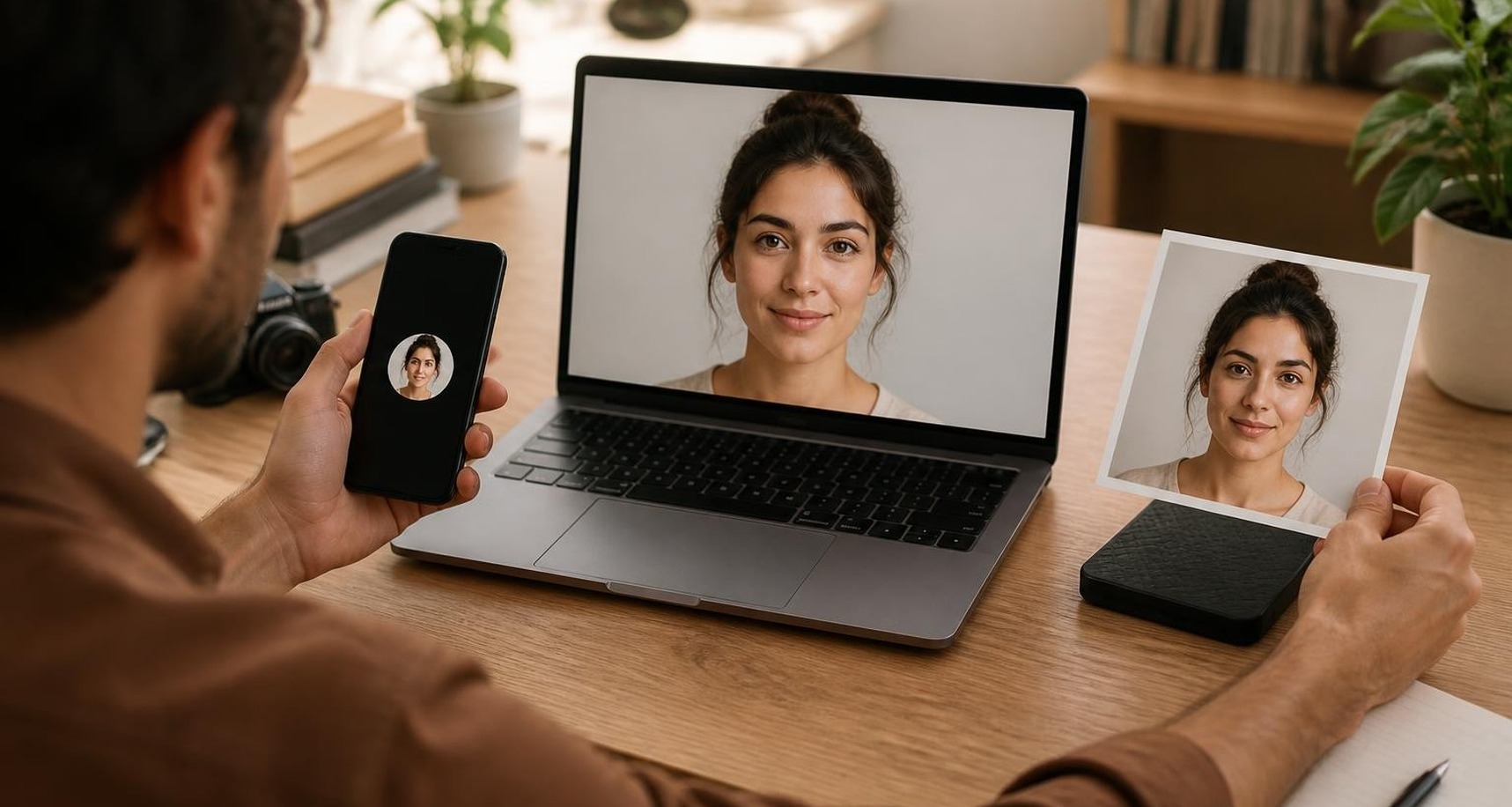
Select the avatar to move beyond the small circular preview. The TikTok PFP viewer displays the largest image available from the public profile, so you can inspect colors, logos, text, and cropping without enlarging a screenshot. Source quality still determines the final sharpness.

Before you use the downloaded file

Use the download action to save the image to your device, then confirm the account name before organizing or sharing it. A TikTok full profile picture can support legitimate research and reference work, but the image still belongs to its owner and should be used responsibly.

Use TikTok Profile Pictures for Research and Inspiration

A profile photo can reveal a creator's visual identity faster than a feed scan. With the TikTok PFP viewer, you can review the current public avatar at a useful size, compare how accounts present themselves, and collect reference material without relying on fuzzy crops or inconsistent screenshots.

Study creator positioning

Use the TikTok profile picture viewer to examine how a creator communicates a niche through color, typography, facial framing, symbols, or product cues. The TikTok PFP viewer makes small choices easier to notice and can strengthen creator research, audience mapping, or an inspiration board.

Build cleaner research records

Screenshots often capture interface chrome, compression, or uneven dimensions. The TikTok PFP viewer gives you a direct image file from the available public avatar, helping you keep cleaner visual records with the correct username, review date, and source note for later comparison.

Compare profiles consistently

A TikTok profile pic viewer helps you place several public avatars side by side. The TikTok PFP viewer gives each image a consistent viewing context, so you can compare logo legibility, portrait crops, seasonal updates, and visual identity rather than judging images inside different screen layouts.

Find ideas for your own avatar

Reviewing a TikTok full profile picture can show which designs remain recognizable at thumbnail size while still looking intentional when enlarged. Use the TikTok PFP viewer to study contrast and cropping, then apply those observations to an original profile design instead of copying another creator's artwork.

What You Can Do with a TikTok Profile Pic Viewer

TokToolset focuses the workflow on accurate account lookup, a larger avatar view, direct downloading, and clear public-profile boundaries. Each TikTok PFP viewer result stays tied to the searched username, helping you move from discovery to a usable file with less friction and fewer manual steps.

View the largest available avatar

Open the current public photo in a dedicated view instead of judging the tiny profile circle. The TikTok PFP viewer uses the largest avatar source returned for the account. A TikTok full profile picture cannot contain detail missing from the source, so a small upload may still look soft.

Search by handle or profile URL

Start with the format you already have. The TikTok profile picture viewer accepts a public username or profile link, and the TikTok PFP viewer loads the matching profile. Using the full URL is especially helpful when a handle contains punctuation or similar account names appear in search.

Download without a manual screenshot

Save the retrieved avatar through TokToolset's download action instead of cropping it from the TikTok interface. The TikTok PFP viewer avoids status bars, menus, and circular masks in your file, making the result easier to archive, compare, or review on another device.

Respect public access and ownership

The TikTok profile pic viewer works only with profile images and account details the provider exposes; it does not reveal hidden images or bypass privacy controls. Downloads do not transfer copyright or permission. Keep attribution and usage rights in mind, especially for publishing, advertising, or commercial work.


TikTok PFP Viewer Questions, Answered

Get practical answers about access, image quality, downloads, credits, privacy, and common lookup problems before using the TikTok PFP viewer.