
TikTok Downloader HD

Paste a public TikTok link into TokToolset. The TikTok downloader HD retrieves available variants so you can preview the post, compare resolution, file size, and reported watermark status, and choose a suitable version. Ready to download TikTok HD media? Use the TikTok download video HD details for quality guidance, then download TikTok video HD output only for content you own or may use. The TikTok downloader HD shows whether a TikTok video downloader without watermark HD variant is available instead of making a blanket promise.

Download a TikTok Video

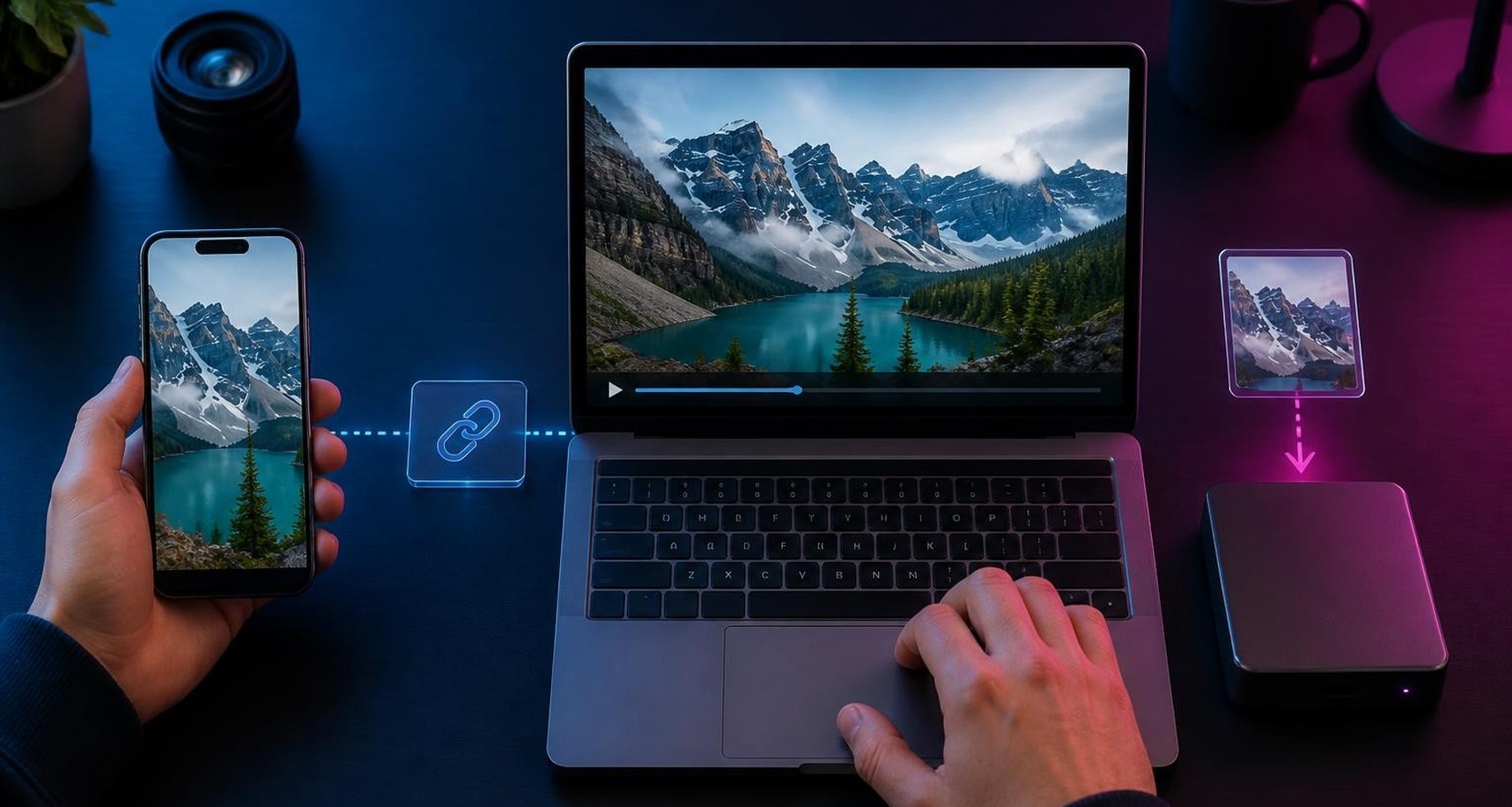
How to Download TikTok Videos in HD in Three Steps

The TikTok downloader HD turns a valid public link into a preview with labeled choices. In practice, a TikTok video downloader without watermark HD workflow means checking the returned watermark and quality labels before saving. When you download TikTok HD files, the TikTok downloader HD keeps the decision limited to variants TikTok actually provides.

1. Copy the Public Video Link

Open the public video in TikTok, use Share, and choose Copy Link. Short mobile share URLs and full post URLs are suitable inputs. When you want to download TikTok HD content, copying the exact post link helps the TikTok downloader HD find the intended video instead of a profile or private page.


2. Paste and Retrieve the Post

Place the link in the Video field and start the lookup. The TikTok downloader HD retrieves the public post details and available variants for review. A TikTok download video HD search is most useful when the source remains public and TikTok still exposes a playable file.

3. Compare Quality and Watermark Labels

Review the resolution, codec, available file-size details, and watermark status, then choose Download Video to complete step three. A TikTok video downloader HD result cannot create detail missing from the source, so the TikTok downloader HD helps you select what is actually available.

After the Three Steps: Find Your File

Your browser usually saves the file to Downloads or the location you selected. If you download TikTok video HD output on mobile, follow the browser prompt for Files or Downloads. The TikTok downloader HD result uses a short-lived download link, so start a fresh lookup if it expires.

Why HD Quality and Watermark-Free Output Matter

HD is useful only when the saved file matches the strongest version the source can provide. The TikTok downloader HD makes quality, reported watermark status, and available codec or file-size details easier to evaluate, helping you keep a cleaner copy for permitted personal or professional use. For a TikTok download video HD choice, the TikTok downloader HD makes the tradeoffs visible before you save.

Keep More Visible Detail

Text, faces, motion, and background detail are easier to review in a stronger source file. If you download TikTok HD clips for reference, select the highest appropriate resolution shown. The TikTok downloader HD preserves the available rendition; it does not invent pixels that TikTok did not supply.

Choose a Cleaner Presentation

A watermark-free label can be useful when you are saving your own post or content you have permission to use. The TikTok downloader HD displays the provider-reported status for each option. Treat any TikTok download video HD result responsibly and respect the creator's rights.

Match Quality to Storage

Larger dimensions can produce a larger file, while a lighter version may be easier to send or archive. The TikTok downloader HD lets you compare choices before saving. A TikTok video downloader HD decision should fit the final screen, and a TikTok video downloader without watermark HD choice should still consider storage.

Work Across Common Devices

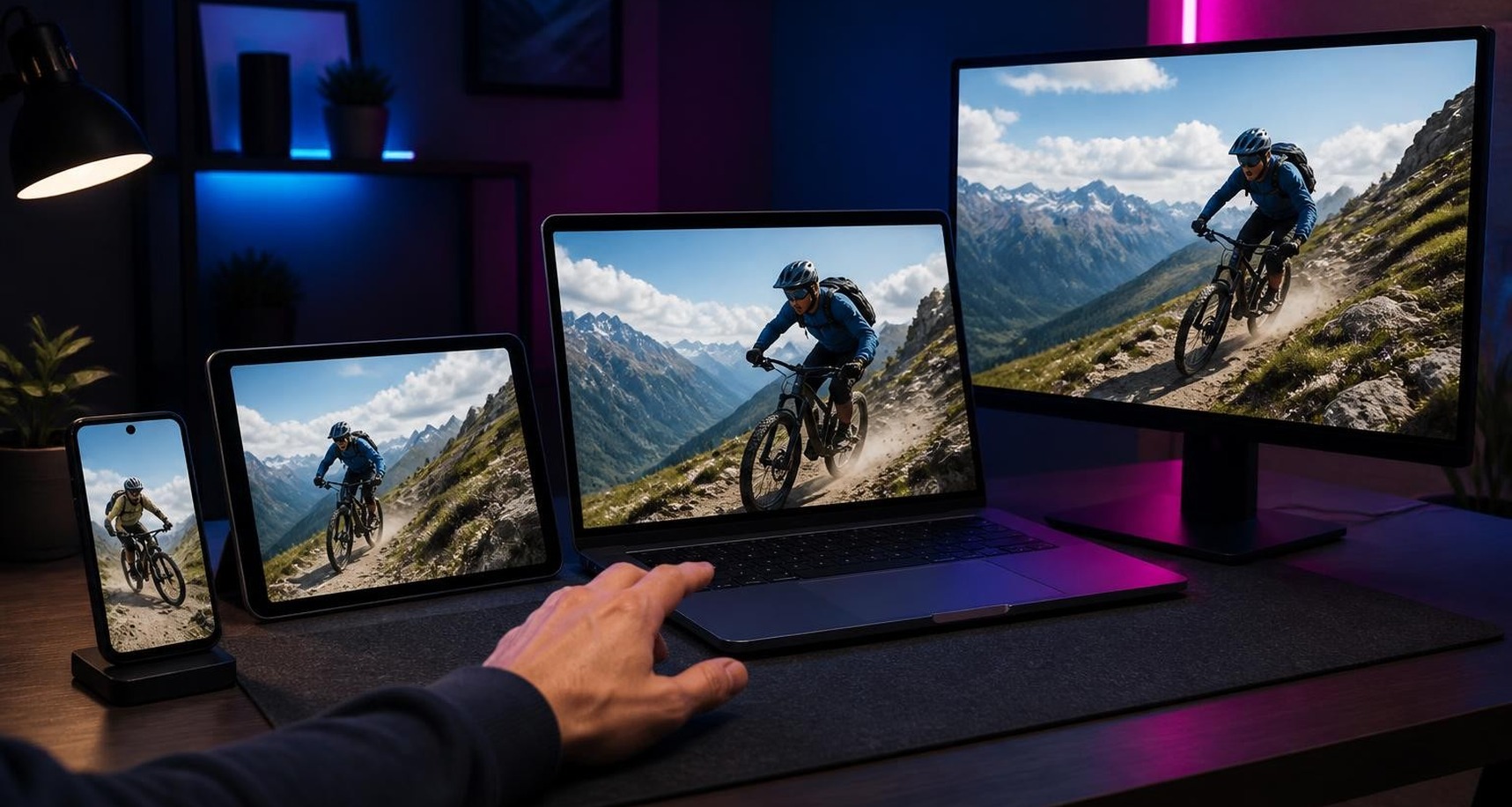
Use a modern browser on iPhone, Android, tablet, Mac, or Windows. To download TikTok video HD files, choose a visible option and follow your browser's save behavior. The TikTok downloader HD keeps the same core copy, preview, compare, and download flow across screen sizes.

TikTok Video Downloader HD Features That Matter

Useful features should reduce uncertainty between pasting a link and opening the saved file. The TikTok downloader HD focuses on public-link input, a readable preview, variant comparison, and direct download controls. A TikTok video downloader without watermark HD workflow is clearer when watermark and quality labels remain visible.

Fast Link-to-Preview Flow

Paste one valid public link and review the result without installing an extension. When you need to download TikTok HD media, the TikTok downloader HD brings the post preview and available versions together so you can decide before the file transfer starts.

Transparent Quality Choices

Resolution and related variant details help you distinguish available outputs instead of assuming every file is identical. The TikTok downloader HD supports a more informed choice. For a TikTok download video HD request, select the strongest suitable option rather than relying on a generic button.

Watermark Status at a Glance

Each available video option can carry a reported watermark label. The TikTok downloader HD shows that label alongside the choice so you can understand what you are about to save. This makes a TikTok video downloader HD comparison more specific and helps avoid accidental selection.

Clear, Account-Based Access

Sign in when prompted; an uncached public-post lookup may use credits from your TokToolset account. To download TikTok video HD output, review and choose a returned variant. The TikTok downloader HD does not ask for your TikTok password. This TikTok video downloader HD workflow uses a short-lived, account-bound download link, so the TikTok downloader HD result cannot be reused indefinitely.

TikTok Downloader HD Questions, Answered

These answers cover public links, available quality, watermark labels, devices, storage, and common save behavior. Use them before your next TikTok downloader HD lookup so you know what the preview can show and how to choose the right result.